Launch Economics
Creator brand launch campaigns
Plan a creator brand launch around product education, verified stock, clear availability and useful customer updates when plans change.
A creator brand launch campaign should help people understand the product, tell them when and how they can buy it, and keep the public message aligned with what the business can actually supply. A large audience can create attention quickly; it cannot make an unready product, uncertain delivery date or unclear offer ready for sale.
Key Consumer Protection Rules from the ACCC for Creator Brand Launches
- Misleading claims
- Prohibited under Australian consumer law
- Failure to deliver paid goods
- Businesses must comply with legal obligations even if launched via creators
- Influencer disclosures
- Commercial relationships must be clearly stated in content
- Pre-orders
- Must include clear delivery estimates that the business can reasonably support
Build the campaign around a real purchase decision
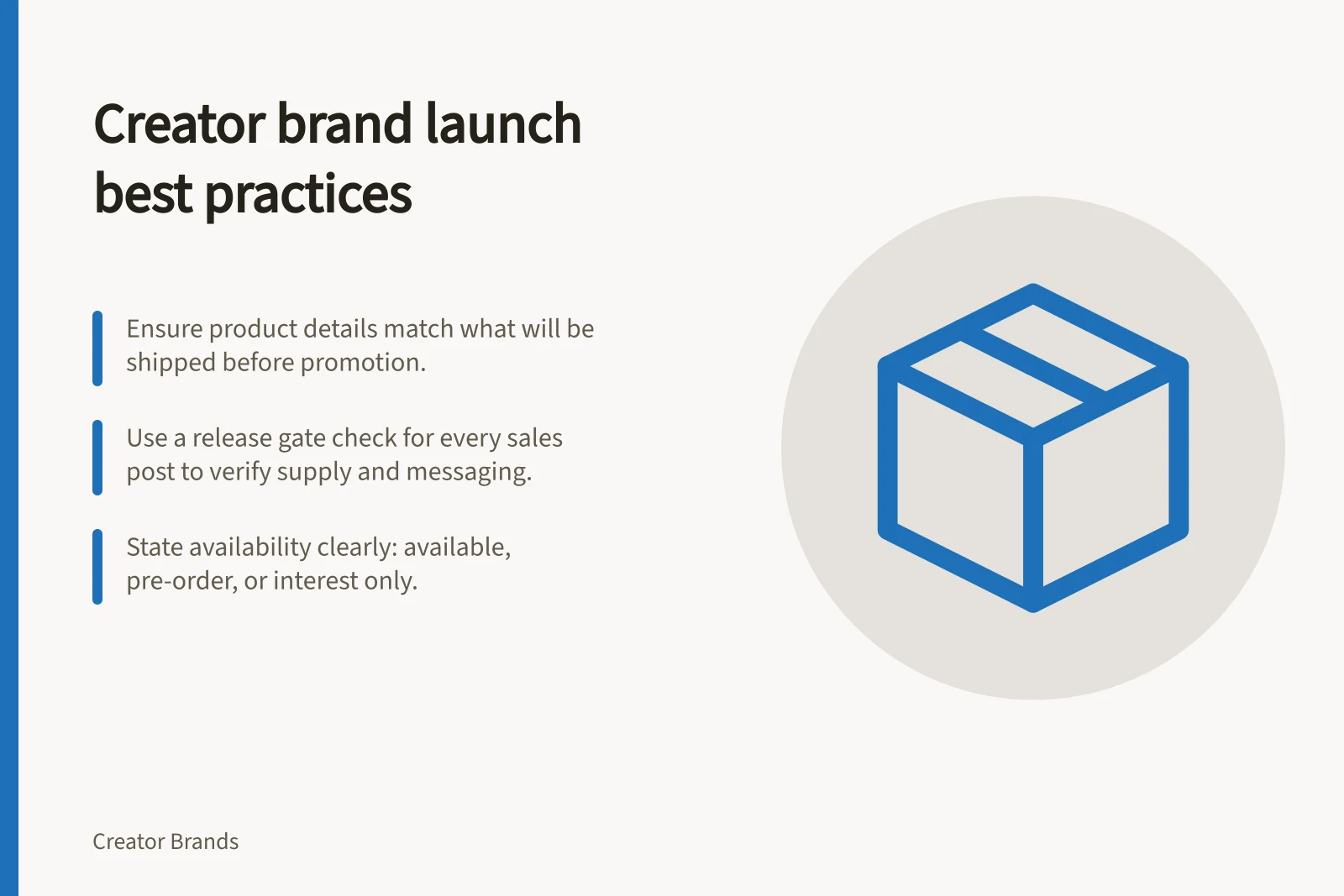
Start with the question a prospective buyer would ask without knowing the creator: what is this product, who is it for, what does it do and what will it cost to receive? The product page should answer those questions before a post sends people there. Check the final product description, variant information, price, delivery terms and support contact against the item that will be shipped.
Give the creator a role that matches their actual involvement. They might explain the problem that led to the product, demonstrate its use or show why they chose a particular feature. Avoid scripts that imply personal testing, manufacturing involvement or results that have not happened. If other creators receive payment or gifts to promote the launch, make the commercial relationship clear in the content.
Sequence understanding, then the offer
Education can begin while a launch date is still being settled. Show the product in use, explain its limits and answer recurring questions.
Once the product and fulfilment plan are confirmed, announce the buying details in one place: the exact item, opening time, price, available variants, delivery estimate and any genuine quantity limit. A reminder can then point back to that same current information.
If people still cannot explain what they would receive, add a clearer demonstration or product page answer before increasing promotional volume. If they understand the product but cannot buy it yet, say when the next reliable update will arrive rather than turning uncertainty into a countdown.
Set a release gate for every sales message
Before approving a post that invites orders, the operator and creator should agree on a short release check:
- Product:the photographed version and described features match the approved sale item.
- Supply:the team knows which variants can be sold and where those units are in the supply process.
- Store:price, checkout, delivery wording and support routes reflect the current plan.
- Message:stock and timing statements have an owner who can verify them before publication.
- Fallback:someone can pause scheduled posts and update customers if the position changes.
A useful campaign calendar records the owner, channel, scheduled time, claim to verify and stop condition for each asset. That makes it possible to hold a creator post without trying to reconstruct what was promised across several accounts.
Pre-Post Release Check: Sales Message Gate
- ProductPhotographed version and described features match the approved sale item
- SupplyTeam knows which variants can be sold and their current stage in the supply process
- StorePrice, checkout, delivery wording and support routes reflect the current plan
- MessageStock and timing statements have an owner who can verify them before publication
- FallbackSomeone can pause scheduled posts and update customers if the position changes
Describe availability plainly
A small first run can be a real constraint. State what the constraint is and what the buyer can expect: for example, that only the first production batch is ready, that a particular variant is unavailable, or that a restock date has not been confirmed.
Do not call a product a one-time release if a repeat run is already planned. A timer or “last chance” message should reflect a real ending, not merely reset when the visitor returns.
Separate three states in the store and campaign: available to dispatch, available to order for later supply, and interest only. A waitlist collects interest; it does not reserve stock unless the business has explicitly set it up to do so.
A pre-order needs a clear description of what is being purchased and a delivery estimate the business can reasonably support. If supply is uncertain, an interest list may be a better choice than taking payment.
Three Availability States in Creator Brand Campaigns
- Available to dispatchStock is ready and can be shipped immediately
- Available to order for later supplyOrder accepted but product not yet available; delivery estimate provided
- Interest onlyNo stock or delivery timeline; waitlist collects interest but does not reserve items unless explicitly set up to do so
Coordinate publishing with live stock
A scheduled post can outlast its stock check. Assign one person to confirm availability just before a sales post goes live and to watch orders after it lands. Match promotional links to the correct variant and destination. Keep a ready replacement message for a sold-out variant, a paused sale or an updated dispatch estimate.
The creator and store need the same source of truth. A social caption saying “ships now” while checkout says “dispatch next month” leaves buyers to guess which is correct.
Correct the prominent claim where people encounter it; a small disclaimer elsewhere will not reliably fix a conflicting headline. If stock sells through, stop or revise paid promotion and scheduled creator posts that still invite immediate purchase.
Treat changes as part of the campaign
If launch readiness slips before orders open, pause the sales announcement, explain the confirmed reason at a useful level of detail and give a date for the next update. Avoid naming a replacement launch date until the underlying dependency has been checked. Product education can continue if it remains accurate, but it should not imply that checkout is imminent.
If customers have paid, update them directly as well as publicly. Explain what is delayed, the current expected timing or why it remains uncertain, and how they can contact the business about their order and available solutions. Keep the order record and public message consistent. Australian consumer law responsibilities still apply when a launch is driven by a creator’s channel.
After the launch, review questions, cancelled orders, fulfilment problems and the claims that needed correction.
Handling Launch Delays: A Responsible Response
- Pause sales announcementStop all immediate purchase messaging if launch readiness slips
- Explain delay publiclyShare confirmed reason at a useful level of detail
- Provide next update dateGive a clear date for the next reliable update – avoid premature new launch dates
- Notify paying customers directlyUpdate those who’ve paid with clear details on delay, expected timing or uncertainty, and contact options
- Maintain consistencyKeep order records and public messages aligned; Australian consumer law applies regardless of creator-led campaign
In this guide
- Sequencing product education before the sales announcementBuild a creator launch sequence that explains the product, resolves buying questions and announces sales only when the offer is ready.
- Explaining availability without artificial scarcityDescribe first batches, preorders, waitlists and restocks clearly without artificial scarcity or conflicting countdown claims.
- Coordinating creator content with actual stockKeep creator posts, product pages and checkout aligned with saleable stock and supported dispatch estimates.
- Handling a delayed launch transparentlyPause outdated launch claims, update customers directly when orders are affected and communicate a new date only when it can be supported.